Most solopreneurs don't have a CRM problem. They have a scattered-data problem, and those are two very different things. HubSpot CRM is one of the few tools built to solve both at once, and after running it inside a one-person operation, I have some specific things to say about it.
What HubSpot CRM actually is (and what it isn't)
HubSpot CRM is a contact management and customer platform that combines marketing automation, sales tracking, customer service tools, content management, data management, billing, and AI agents under a single login. That's not a feature list padded for a brochure. That's the actual architecture of the product.
Here's the thing most reviews skip: HubSpot is not just a CRM in the traditional sense. A traditional CRM stores contact records and lets you log calls. HubSpot does that, but it also runs email sequences, hosts landing pages, scores leads, manages your support tickets, and now builds AI agents that prospect and respond on your behalf. The "Smart CRM" label on their site is accurate. It's a platform that happens to have a CRM at its center, not a CRM that happens to have a few features bolted on.
For a one-person business, that distinction matters a lot. You're not buying a contact database. You're buying an operating layer for your entire customer lifecycle, from first click to closed deal to post-sale support.
The free plan is real, and it's actually useful
HubSpot's free tier includes contact management for up to 1,000,000 contacts, a deal pipeline, basic email marketing, a meeting scheduler, live chat, and a forms tool. These are not crippled demo features. I've seen solopreneurs run their entire client intake process on the free plan for months before needing to upgrade.
The catch is that the free plan carries HubSpot branding on emails and forms, and you lose access to automation workflows, A/B testing, and the more advanced reporting dashboards. For a business doing under $5K/month in revenue, the free plan is a legitimate starting point. For anyone running active outbound campaigns or managing more than a handful of ongoing client relationships, the paid tiers start to justify themselves quickly.
HubSpot publishes its pricing publicly. The Starter Customer Platform, which bundles the starter edition of Marketing Hub, Sales Hub, Service Hub, and Content Hub, is positioned specifically for small businesses and startups. It's the entry point I'd recommend for most solopreneurs who've outgrown the free tier but don't need enterprise-grade reporting.
Check HubSpot's current pricing and free plan options here.
The performance numbers HubSpot publishes
HubSpot reports that after one year on the platform, customers acquire 129% more leads, close 36% more deals, and see a 37% improvement in ticket closure rates. These figures come from HubSpot's own customer data, so they carry the usual caveats about self-reported outcomes. But the directional story is consistent with what I've observed: when your contact data, outreach history, and deal status all live in one place instead of spread across three apps and a spreadsheet, things move faster.
The 129% lead increase is the number worth sitting with. That's not a marginal improvement. A result that size typically comes from a combination of better capture (forms, landing pages, live chat all feeding the same database) and better follow-up (automated sequences that run without you manually hitting send). HubSpot's architecture is built to close both of those gaps simultaneously, which is why the number is plausible even if your individual result will vary.
The tools I actually use inside HubSpot
I want to be specific here, because "I use HubSpot" is not useful information. Here's what I actually use and why.
The Landing Page Creator is the tool I reach for first when I'm short on time. HubSpot's drag-and-drop editor lets you build an opt-in landing page in under 20 minutes, connect it directly to a contact list, and trigger an automated welcome email the moment someone fills out the form. No third-party form tool. No Zapier zap to set up. The whole loop closes inside one dashboard. For lead magnet campaigns, it's the fastest path from idea to live page I've found.
The contact timeline is the second thing I rely on. Every email sent, every form filled, every page visited by a contact shows up in a chronological feed on their contact record. When I'm about to jump on a call with someone I haven't spoken to in six weeks, I can spend 90 seconds reviewing their timeline and walk into the conversation knowing exactly what we've exchanged and what they've looked at on my site. That context is hard to put a dollar value on, but it's real.
The meeting scheduler is the third. It connects to your calendar, lets contacts book time directly, and logs the meeting automatically against their contact record. I stopped sending "does Tuesday at 2pm work for you?" emails the day I set this up.
Where HubSpot earns its reputation and where it gets complicated
HubSpot's strongest suit is integration depth. The HubSpot Marketplace lists over 1,500 app integrations, including native connections to Slack, Stripe, Shopify, WordPress, Google Ads, LinkedIn, and most major email service providers. For a solopreneur who already has a tech stack, this matters because HubSpot can sit at the center of it without requiring you to rebuild everything from scratch.
The Agent Hub is worth watching. HubSpot introduced it as a central home for building and managing AI agents across the platform. The current agents include an AI prospecting agent that identifies and engages high-value leads, an AI customer agent that handles support conversations, and an AI data agent that answers questions about your customer database in plain language. These are not chatbot wrappers. They're agents that take action inside your CRM based on triggers and rules you configure. For a one-person operation, a prospecting agent that works while you sleep is a meaningful capability.
Where HubSpot gets complicated is the pricing model. Each Hub (Marketing, Sales, Service, Content, Data, Revenue) has its own pricing tier, and costs scale with contact count. If you're not careful about which Hubs you're activating and how many contacts you're storing, your monthly bill can creep up faster than your revenue does. The Starter Customer Platform bundle is the most cost-efficient entry point for solopreneurs who want access to multiple Hubs without paying for each one separately.
Honestly, the learning curve is also real. HubSpot has a lot of features, and the interface reflects that. New users sometimes spend their first week clicking around menus instead of doing anything productive. HubSpot Academy helps. It's a free library of courses and certifications covering every part of the platform, and I'd recommend spending a few hours there before trying to build your first workflow.
HubSpot vs. keeping things separate
The most common alternative to HubSpot for solopreneurs is a combination of tools: Mailchimp or ConvertKit for email, a separate CRM like Notion or Pipedrive for contact management, Calendly for scheduling, and maybe a landing page builder like Carrd or Leadpages. That stack can work. But it creates a data fragmentation problem that compounds over time.
When your email tool doesn't talk to your CRM, you end up with two separate contact lists that drift out of sync. When your landing page builder doesn't feed your CRM directly, you're exporting CSVs and importing them manually. When your calendar tool doesn't log meetings against contact records, you lose context. These are not hypothetical annoyances. They're the daily friction that eats the hours you thought you were saving by choosing cheaper individual tools.
HubSpot's value proposition is that one integrated platform eliminates that friction. Whether that's worth the cost compared to a stitched-together free stack depends on how much time you're currently losing to manual data work. If the answer is more than two hours a week, the math usually favors HubSpot.
Start with HubSpot's free plan and see how it fits your current workflow.
Who HubSpot CRM is built for
HubSpot works best for solopreneurs and small businesses where the same person handles marketing, sales, and customer relationships. If you're the one writing the emails, following up on leads, closing deals, and answering support questions, HubSpot is designed for exactly that reality. The platform assumes you don't have a marketing department and a sales department. It assumes you are both.
HubSpot is less well suited for pure e-commerce businesses that need deep inventory management, or for freelancers whose entire business is one retainer client and a handful of project invoices. Those use cases don't need a full customer platform. They need a simpler tool.
The sweet spot is a service-based solopreneur or small team that's actively generating leads, managing a sales pipeline with multiple contacts at different stages, and trying to build repeatable systems for follow-up and client communication. That's the person HubSpot was built for, and that's the person who gets the most out of it.
The AEO feature worth knowing about
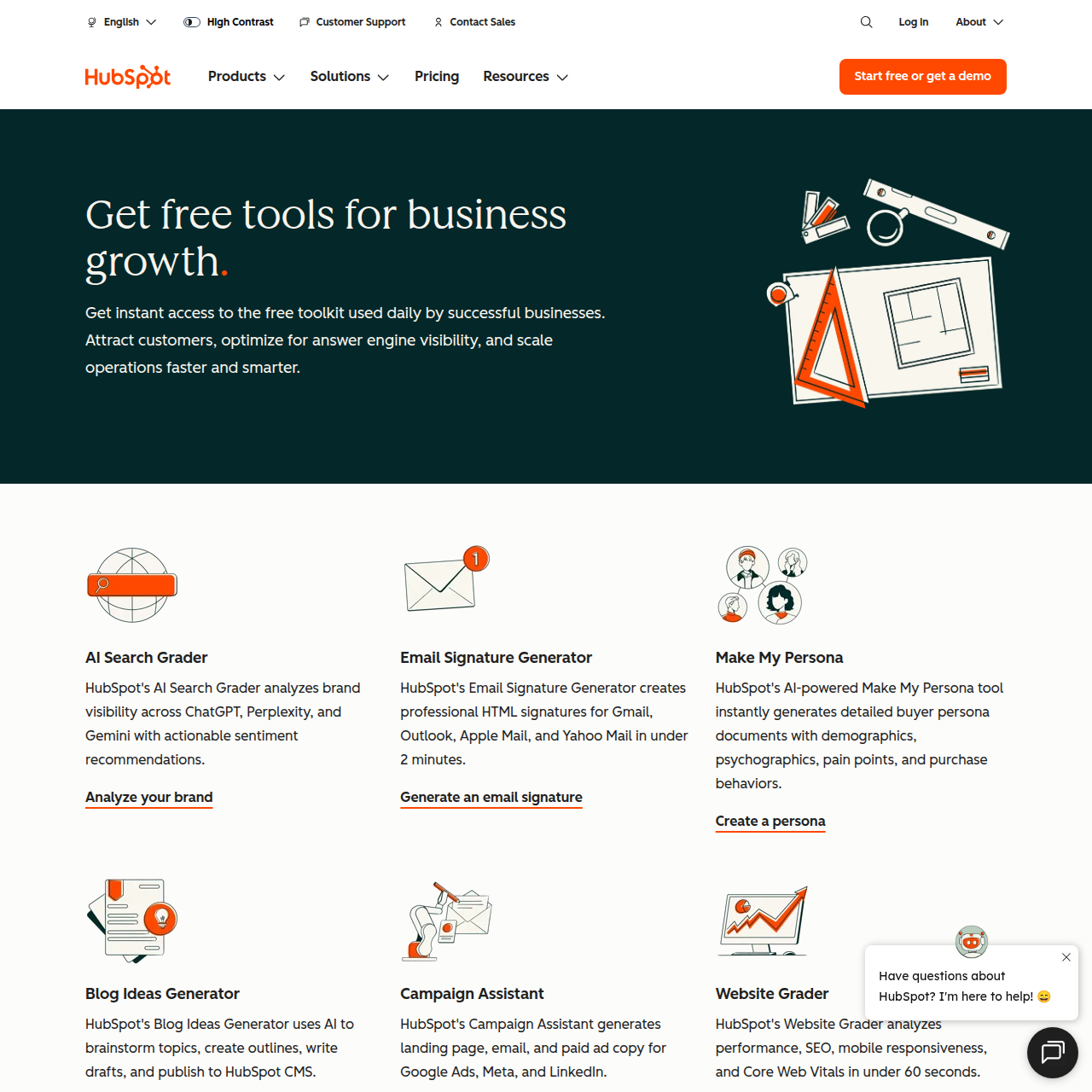
HubSpot recently launched an Answer Engine Optimization (AEO) tool in beta. It tracks and measures your brand's visibility in AI-generated search results, specifically in tools like ChatGPT, Perplexity, and Google's AI Overviews. This is a new category of SEO that most platforms haven't addressed yet, and HubSpot is one of the first major marketing platforms to build native tooling for it.
For solopreneurs who publish content and want to understand whether AI models are citing or referencing their brand, this is a genuinely useful addition. Traditional SEO tools measure Google rankings. AEO tools measure AI answer inclusion, which is a different signal entirely. The beta status means it's still maturing, but the direction is clear and the timing is ahead of most competitors.
Frequently asked questions about HubSpot CRM
Is HubSpot CRM actually free, or is the free plan a bait-and-switch?
HubSpot's free CRM tier is a real, functional product. It includes contact management for up to 1,000,000 contacts, a visual deal pipeline, a meeting scheduler, basic email marketing, live chat, and forms. The limitations are real too: HubSpot branding appears on emails and forms, and automation workflows require a paid plan. It's not a bait-and-switch, but it is a deliberate funnel. The free plan is genuinely useful for early-stage businesses, and the upgrade path is clear when you hit the ceiling.
What's the difference between HubSpot's free CRM and Salesforce?
Salesforce is built for enterprise sales teams with dedicated administrators, complex reporting requirements, and multi-department workflows. HubSpot is built for businesses where one person or a small team handles the full customer lifecycle. Salesforce has no meaningful free tier. HubSpot's free tier is functional out of the box. Salesforce's customization depth is greater, but it requires technical configuration that most solopreneurs don't have time for. For a one-person or small-team operation, HubSpot is the more practical choice.
How long does it take to set up HubSpot CRM for a one-person business?
A basic HubSpot setup, including connecting your email, importing existing contacts, building one deal pipeline, and setting up a meeting scheduler, takes most solopreneurs between two and four hours. Building your first email automation workflow adds another one to two hours. HubSpot Academy has a specific onboarding course that walks through the setup process step by step, and it's worth completing before you start configuring anything.
Does HubSpot integrate with WordPress?
Yes. HubSpot has a native WordPress plugin that connects your WordPress site to your HubSpot account. It embeds HubSpot forms on your pages, enables live chat through HubSpot's chatbot tool, and tracks page visits by known contacts. Form submissions from your WordPress site feed directly into your HubSpot contact database without requiring a third-party connector like Zapier.
What is HubSpot's Agent Hub and how does it work for solopreneurs?
Agent Hub is HubSpot's central interface for building and managing AI agents across the platform. The three main agents currently available are a prospecting agent that identifies and engages high-value leads automatically, a customer agent that handles support conversations without human input, and a data agent that answers plain-language questions about your CRM data. For a solopreneur, the prospecting agent is the most immediately useful because it runs outreach while you're focused on delivery work. Agent Hub is available on paid plans.
Is HubSpot worth it for a business making less than $10K per month?
It depends on the business model. A service-based solopreneur who's actively generating leads, managing multiple client relationships simultaneously, and sending regular email campaigns will likely find the Starter Customer Platform worth the cost even at sub-$10K monthly revenue, because the time saved on manual data work and follow-up typically exceeds the subscription cost. A freelancer with one or two steady clients and no active lead generation probably doesn't need it yet. The free plan is the right starting point for anyone unsure, because it lets you test the platform before committing to a paid tier.
The bottom line on HubSpot CRM for solopreneurs
HubSpot CRM is the most complete customer platform available for one-person businesses, and it's not particularly close. The free tier is functional enough to run a real business. The paid tiers add automation, AI agents, and reporting depth that scale with you. The integration library covers almost every tool a solopreneur is already using. And the data, your contacts, your deals, your emails, your support tickets, lives in one place instead of scattered across five different apps.
The tradeoffs are real. The pricing model requires attention as you grow. The learning curve takes a few hours to clear. And if your business is simple enough that a spreadsheet and a calendar app cover your needs, HubSpot is more than you need right now.
But if you're running a service business, actively generating leads, and losing time every week to manual data work and scattered follow-up, HubSpot is the tool that closes those gaps. That's what it's built for, and that's where it delivers.
Get started with HubSpot CRM and explore the free plan here. ```